
Anúncios
Listening to AM/FM radio on your smartphone brings nostalgia and practicality together, offering access to live broadcasts, local news, sports, and music—all in the palm of your hand.


Despite living in an era dominated by streaming platforms and podcasts, traditional radio continues to hold a special place in millions of hearts worldwide. There’s something uniquely comforting about tuning into a familiar radio station, hearing live commentary, spontaneous music selections, and real-time local updates that streaming services simply can’t replicate.
Anúncios
Whether you’re commuting, working out, or relaxing at home, having AM/FM radio capabilities on your mobile device opens up a world of entertainment and information. This guide explores everything you need to know about listening to AM/FM radio on your smartphone, from built-in FM chips to powerful third-party apps that bring thousands of stations to your fingertips.
📻 Why AM/FM Radio Still Matters in the Smartphone Era
While music streaming apps dominate the audio landscape, traditional radio broadcasting remains incredibly relevant. Radio offers real-time emergency alerts, hyper-local content, traffic updates, and weather reports that are crucial during natural disasters when internet connectivity might be compromised.
Anúncios
Many smartphones actually contain hidden FM radio chips that manufacturers often disable. These chips allow your device to receive over-the-air FM broadcasts without using mobile data—a feature that proves invaluable when you’re traveling, have limited data plans, or find yourself in areas with poor internet connectivity.
Beyond practicality, radio provides a sense of community connection. Local DJs, call-in shows, and regional programming create an intimate listening experience that algorithms and playlists struggle to match. There’s genuine excitement in discovering new music organically or hearing breaking news as it happens.
🔍 Does Your Smartphone Have a Built-In FM Receiver?
Not all smartphones come with activated FM radio capabilities, even if the hardware exists. The availability depends heavily on your device manufacturer, carrier, and geographic region. Several Android devices, particularly those sold in markets like India, Latin America, and parts of Asia, retain functional FM radio features.
To check if your phone has FM capabilities, look for a pre-installed radio app in your app drawer. Brands like Samsung, LG, Motorola, and HTC have historically included FM radio apps on select models. These native apps typically require you to plug in wired headphones, which act as the antenna necessary to receive radio signals.
Unfortunately, Apple iPhones do not support FM radio broadcasting, even though the chips might technically be present. Apple has consistently chosen not to enable this functionality, pushing users toward internet-based solutions instead. Android users have better luck, though it varies significantly between models and regions.
🎧 Using Your Phone’s Native FM Radio App
If your Android device comes with a built-in FM radio app, using it is refreshingly straightforward. First, connect a pair of wired headphones—this is non-negotiable, as the headphone cable serves as the FM antenna. Bluetooth headphones won’t work for receiving over-the-air broadcasts.
Once connected, open the FM radio app and allow it to scan for available stations. The scanning process usually takes just a few seconds, after which you’ll see a list of all receivable frequencies in your area. You can then browse through stations, save your favorites, and switch between them with simple taps.
The audio quality through native FM apps tends to be excellent, with minimal lag since you’re receiving direct broadcasts rather than streaming compressed audio. Battery consumption is also remarkably low compared to internet-based radio apps, making this an efficient option for extended listening sessions.
📱 Top Radio Apps for Streaming AM/FM Stations
For users whose devices lack FM chips—or who want access to stations beyond their local broadcast range—radio streaming apps offer an incredible alternative. These applications aggregate thousands of radio stations from around the world, delivering them via internet connection.
Simple Radio stands out as one of the most comprehensive options available. With over 50,000 AM, FM, and internet radio stations from across the globe, it provides an intuitive interface that makes discovering and accessing your favorite broadcasts effortless. The app supports both Android and iOS devices and offers features like station favoriting, sleep timers, and CarPlay integration.

TuneIn Radio is another popular choice, offering live sports coverage, news from major networks, and podcasts alongside traditional radio streams. Its premium subscription removes ads and provides access to exclusive content, though the free version remains highly functional for casual listeners.
Radio.com (now Audacy) focuses primarily on stations within the United States, providing high-quality streams of popular AM and FM channels. iHeartRadio follows a similar model, bundling traditional radio with custom stations and podcasts, creating a hybrid listening experience.
🌐 Internet Radio vs. Traditional FM Broadcasting
Understanding the fundamental differences between internet-based radio apps and traditional FM receivers helps you choose the right solution for your needs. Traditional FM radio uses over-the-air signals that your phone’s hardware chip receives directly—no internet connection required.
This makes FM radio perfect for situations where data is limited, expensive, or unavailable. It also means zero buffering issues, instant station changes, and battery-friendly operation. However, you’re limited to stations within broadcast range, typically 30-60 miles depending on terrain and signal strength.
Internet radio apps, conversely, stream audio data over Wi-Fi or mobile networks. This grants access to virtually unlimited stations worldwide but consumes data—typically between 40-100 MB per hour depending on audio quality. Buffering can occur with poor connections, and battery drain increases due to constant network usage.
💡 Maximizing Audio Quality and Performance
Whether using native FM or streaming apps, several strategies can enhance your listening experience. For traditional FM radio, antenna positioning matters tremendously. Adjust your headphone cable position and try moving to windows or open areas if reception weakens—buildings and underground locations often block signals.
With streaming radio apps, connecting to Wi-Fi instead of mobile data typically provides better audio quality and prevents cellular data depletion. Many apps offer quality settings; choosing “high quality” streams delivers richer sound but uses more bandwidth, while “low quality” conserves data at the cost of fidelity.
Battery optimization also deserves attention. Close unnecessary background apps, reduce screen brightness, and consider enabling battery-saver modes if you plan extended listening sessions. Some radio apps include built-in sleep timers that automatically stop playback after a set duration—perfect for bedtime listening without draining your battery overnight.
🚗 Enjoying Radio While Driving
Mobile radio apps integrate beautifully with modern vehicles, especially those equipped with Bluetooth audio or Android Auto/Apple CarPlay systems. Most streaming radio apps support these platforms, displaying station information on your car’s screen and allowing voice-controlled station changes.
For safer driving, set up your favorite stations before hitting the road. Create playlists or favorites within your radio app so you can switch between preferred stations with minimal distraction. Voice commands through Siri or Google Assistant enable hands-free control, letting you say “play NPR” or “tune to sports radio” without touching your phone.
If your car lacks advanced integration, simple Bluetooth pairing works perfectly. Pair your smartphone with your vehicle’s audio system, open your radio app, and enjoy wireless audio through your car speakers. This setup works with both streaming apps and phones with native FM capabilities.
🌍 Discovering International Radio Stations
One of streaming radio’s greatest advantages is borderless access to global broadcasts. Want to practice Spanish by listening to stations from Mexico? Curious about French news from Paris? Radio apps make this incredibly simple, often categorizing stations by country, language, genre, and popularity.
Exploring international stations offers cultural enrichment, language learning opportunities, and diverse music discovery. You might stumble upon genres rarely heard in your region or gain new perspectives through foreign news broadcasts. Many apps feature curated collections highlighting popular stations from specific countries or regions.
Time zones become irrelevant when you can tune into morning shows from Sydney while it’s evening in New York. This global accessibility transforms your smartphone into a passport for audio exploration, connecting you to voices and sounds from every corner of the planet.
📊 Data Usage Considerations for Streaming Radio
Understanding data consumption helps you stream radio responsibly without exceeding your mobile plan limits. Standard quality streams typically use 40-60 MB per hour, while high-quality streams can consume 100-150 MB hourly. A daily one-hour commute listening to streaming radio might use 2-3 GB monthly.
Most radio apps include settings to control stream quality. If data is precious, select lower quality options—the difference in audio fidelity on phone speakers or basic earbuds is often negligible. Download favorite podcast episodes or shows when connected to Wi-Fi for offline listening, though this feature isn’t available for live broadcasts.
Monitoring your data usage through your phone’s settings helps prevent surprises. Both Android and iOS provide detailed breakdowns showing which apps consume the most data, allowing you to adjust streaming habits accordingly. Unlimited data plans eliminate these concerns entirely, making streaming radio worry-free.
🎵 Discovering New Music Through Radio Apps
Radio stations pride themselves on music curation, often introducing listeners to artists and songs before they hit mainstream streaming playlists. College radio stations, independent broadcasters, and genre-specific channels serve as incredible discovery tools for adventurous music lovers.
Many radio apps include “similar stations” features that recommend broadcasts based on your listening habits. This algorithmic assistance helps you branch out while maintaining genre preferences. Genre filters let you browse stations dedicated to jazz, classical, hip-hop, rock, electronic, or niche categories like Nordic folk or Brazilian samba.
Live DJ commentary adds context that Spotify playlists lack. Hearing why a song was chosen, learning about an artist’s background, or discovering connections between tracks enriches the listening experience. Radio creates narratives around music rather than simply delivering isolated tracks.
⚡ Emergency Preparedness and Radio Access
During natural disasters, power outages, or communication disruptions, radio broadcasting often remains operational when internet services fail. Phones with FM chips can receive emergency broadcasts without requiring cellular or Wi-Fi connectivity—a potentially life-saving capability.
Many regions use specific AM/FM frequencies for emergency alert systems. Knowing how to access your phone’s FM radio and locate these emergency frequencies should be part of basic preparedness planning. Keep a charged power bank and wired headphones in emergency kits specifically for radio access.
Even streaming radio apps can prove valuable during emergencies if internet remains available. Local news stations provide real-time updates about evacuation routes, shelter locations, and developing situations. Downloading radio apps before emergencies occur ensures you’re prepared when needed most.
🔧 Troubleshooting Common Radio App Issues
Experiencing buffering or connection problems with streaming radio? Start by checking your internet connection speed—radio streams require consistent bandwidth. Switching from cellular data to Wi-Fi often resolves stability issues, as does closing background apps that compete for network resources.
If native FM radio reception seems weak, remember that your headphone cable functions as the antenna. Try different headphones, adjust cable positioning, or move to locations with fewer signal obstructions. Metal buildings and underground areas notoriously block FM signals.
App crashes or freezing typically resolve with updates. Check your app store for the latest version of your radio app, as developers regularly fix bugs and improve stability. Clearing the app’s cache through your phone settings can also resolve performance issues without losing saved favorites or preferences.
🎙️ Exploring Podcast Integration in Radio Apps
Modern radio apps increasingly blur the lines between traditional broadcasts and on-demand content. Many platforms now integrate podcasts alongside live radio, creating unified audio experiences. This convergence allows seamless transitions between live shows and archived episodes.
Some radio stations upload their shows as podcasts, letting you listen on your schedule rather than adhering to broadcast times. Morning talk shows, sports commentary, and news programs often appear in podcast form hours after airing live. This flexibility combines radio’s spontaneity with podcasting’s convenience.
Hybrid apps like iHeartRadio and Audacy excel at this integration, offering both live streams and extensive podcast libraries. You might start with a live sports broadcast, then switch to a true crime podcast—all without changing applications. This consolidation reduces app clutter while expanding listening options.
🎁 Free vs. Premium Radio App Features
Most radio apps offer free versions supported by occasional advertisements. These ads typically run between songs or during natural breaks, similar to traditional radio commercials. For casual listeners, free versions provide full access to station libraries without payment.
Premium subscriptions remove advertising, add offline recording capabilities, and sometimes include exclusive content or higher audio quality streams. Prices typically range from $5-15 monthly. Consider whether ad-free listening justifies the cost based on your usage patterns.
Many apps offer free trial periods for premium features, letting you test enhanced functionality before committing financially. If you’re a frequent radio listener who finds advertisements disruptive, premium subscriptions often prove worthwhile. Casual users may find free versions perfectly adequate for occasional listening.
📲 Making Radio Part of Your Daily Routine
Integrating radio into daily habits enriches mundane activities. Morning news broadcasts provide context for the day ahead while you prepare breakfast. Music stations energize workout sessions. Talk radio makes commutes informative rather than tedious.
Setting radio alarms through apps that support this feature creates gentler wake-up experiences than harsh phone alarms. Gradually increasing volume eases you into consciousness while immediately connecting you with news, weather, and traffic information relevant to your day.
Evening wind-down routines benefit from calming classical stations, jazz programs, or storytelling broadcasts. Radio’s passive nature makes it perfect for multitasking—cooking dinner, cleaning, or pursuing hobbies while absorbing audio content that doesn’t demand visual attention.
🌟 The Future of Mobile Radio Technology
Radio technology continues evolving alongside smartphones. Digital radio standards like DAB+ (Digital Audio Broadcasting) offer superior audio quality and more stations within limited spectrum space. Some newer smartphones in European and Asian markets include DAB+ receivers alongside traditional FM chips.
5G networks enable higher quality audio streaming with minimal latency, potentially making internet radio indistinguishable from traditional broadcasts in terms of responsiveness. AI-powered recommendations increasingly help listeners discover stations matching their preferences across millions of global options.
Integration with smart home ecosystems and wearable devices expands radio’s reach beyond smartphones. Voice assistants make accessing favorite stations effortless, while smartwatches provide convenient playback controls during activities where pulling out your phone proves impractical.
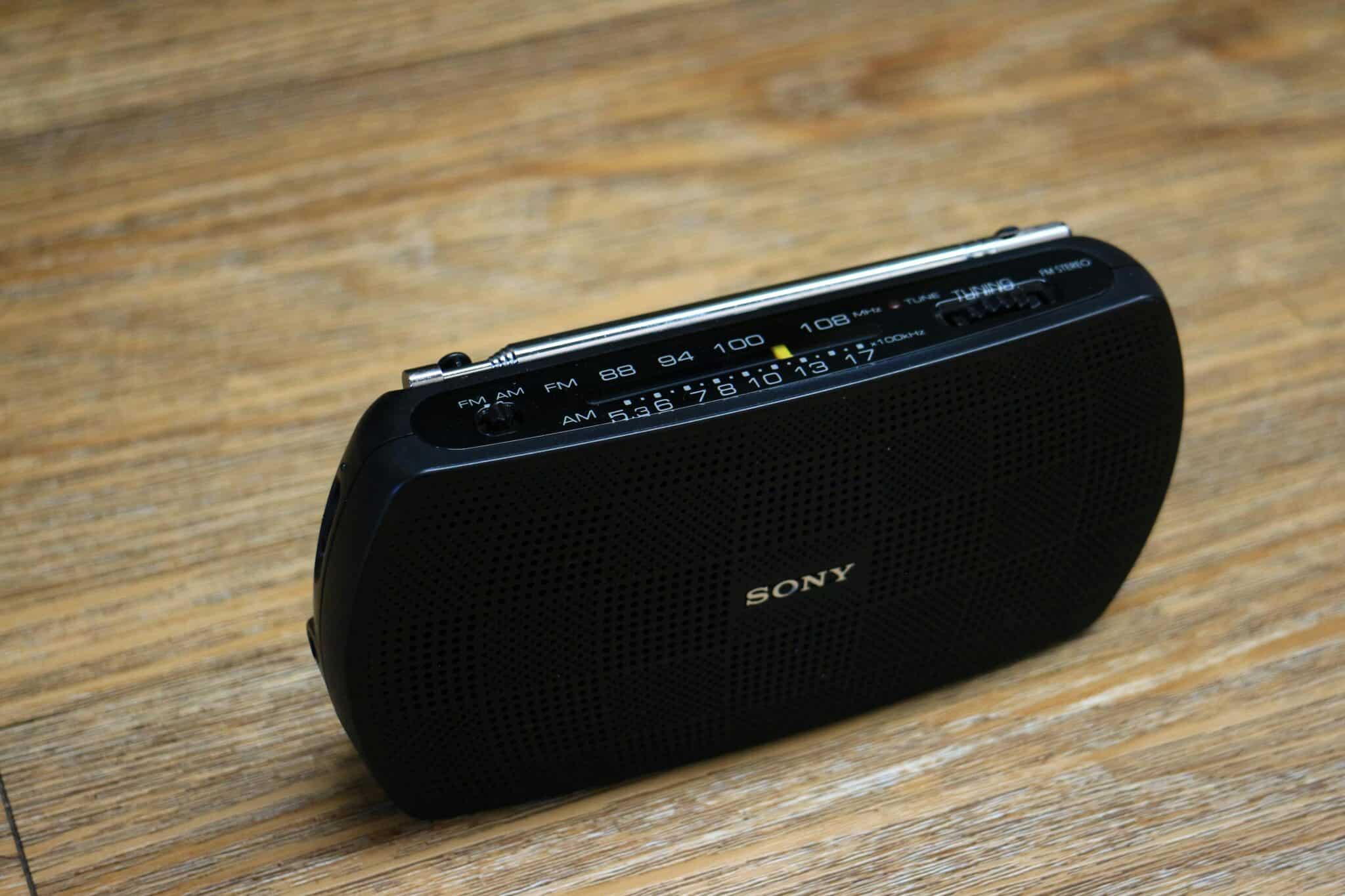
🎧 Choosing the Perfect Radio Solution for Your Needs
Your ideal radio setup depends on usage patterns, data availability, and device capabilities. If your Android phone includes FM radio and you primarily listen to local stations, the native app offers simplicity and efficiency without data consumption.
For iPhone users or those wanting global station access, comprehensive streaming apps like Simple Radio provide unmatched variety and features. Frequent travelers benefit from apps with extensive international station directories and offline podcast capabilities for flights.
Budget-conscious listeners with limited data should prioritize phones with FM chips or use streaming apps sparingly over Wi-Fi. Those with unlimited data plans can freely explore streaming radio’s boundless options without worrying about overage charges.
Ultimately, traditional AM/FM radio and modern streaming apps complement rather than compete with each other. Together, they ensure that wherever you go and whatever situation arises, compelling audio content remains just a tap away on the device already in your pocket.
Radio has successfully transitioned into the smartphone era, preserving its cultural relevance while embracing technological innovation that expands its reach and enriches the listening experience for millions worldwide.
