
Anúncios
Unlocking 5G on your device opens the door to lightning-fast connectivity, seamless streaming, and enhanced mobile experiences no matter where you are on the planet.


The rollout of 5G technology has revolutionized how we interact with the digital world. From downloading massive files in seconds to enjoying buffer-free video calls, the benefits are undeniable. However, many users don’t realize that their phones might not automatically connect to 5G networks, even when available in their area.
Anúncios
Whether you’re traveling internationally, upgrading your device, or simply trying to maximize your current plan, activating 5G requires a few strategic steps. This comprehensive guide will walk you through everything you need to know about enabling 5G on your smartphone, regardless of your location or carrier.
🌍 Understanding 5G Availability Worldwide
Before diving into activation steps, it’s essential to understand that 5G coverage varies dramatically across different countries and regions. Major metropolitan areas in North America, Europe, Asia, and parts of the Middle East have robust 5G infrastructure, while rural zones and developing nations are still expanding their networks.
Anúncios
Countries like South Korea, China, the United States, and the United Kingdom lead in 5G deployment. However, even within these nations, coverage can be spotty outside urban centers. Before attempting to activate 5G, check your carrier’s coverage map to confirm availability in your specific area.
International travelers should also research which 5G bands their destination countries use. Different regions employ varying frequency bands, and not all phones support every band. This compatibility issue can prevent your device from connecting to local 5G networks even when they’re technically available.
📱 Checking If Your Phone Supports 5G
Not all smartphones are equipped with 5G capabilities. The first step in your journey is confirming whether your device has the necessary hardware. Most flagship phones released after 2020 include 5G modems, but budget and mid-range models may lack this feature.
To verify 5G support on your device, navigate to your phone’s settings and look for network or mobile data options. If you see a toggle or menu item for 5G, your phone supports it. Alternatively, check your device’s specifications on the manufacturer’s website or in the original packaging documentation.
Keep in mind that 5G comes in different flavors: low-band, mid-band, and high-band (mmWave). Not all 5G phones support every variant. High-band 5G offers the fastest speeds but extremely limited range, while low-band provides broader coverage at more modest speed improvements.
🔍 Identifying Your Device’s 5G Bands
Your smartphone’s ability to connect to 5G networks depends on which radio frequency bands it supports. Common 5G bands include n1, n3, n5, n7, n28, n41, n66, n71, n77, n78, and n79, among others. Each carrier and country prioritizes different bands based on their spectrum licenses.
You can find your phone’s supported bands by searching for your exact model number online, followed by “5G bands.” Tech specification databases like GSMArena provide detailed breakdowns of frequency support for virtually every smartphone model.

🔧 Activating 5G on iPhone
Apple has made enabling 5G on iPhones relatively straightforward, though the exact steps may vary slightly depending on your iOS version. All iPhone 12 models and newer support 5G connectivity, including the standard, Mini, Pro, and Pro Max variants.
To activate 5G on your iPhone, open the Settings app and tap on “Cellular” or “Mobile Data.” Select “Cellular Data Options,” then tap “Voice & Data.” You’ll see several options including 5G Auto, 5G On, and LTE. Choosing “5G On” forces your phone to use 5G whenever available.
The “5G Auto” setting is Apple’s smart option that balances speed and battery life. Your phone will automatically switch to 5G when it significantly improves performance but reverts to LTE when 5G speeds aren’t substantially better, preserving battery life.
⚡ Optimizing 5G Settings for International Travel
When traveling abroad, your iPhone’s 5G settings may need adjustment based on roaming agreements between your carrier and local networks. Some carriers disable 5G during international roaming to control costs, while others support it with appropriate plans.
Contact your carrier before traveling to confirm 5G roaming availability and any associated charges. You may need to enable data roaming in your Cellular settings and potentially select a specific carrier manually if automatic network selection doesn’t connect you to a 5G-enabled provider.
🤖 Enabling 5G on Android Devices
Android’s diverse ecosystem means activation steps can vary between manufacturers, but the general process remains similar across devices. Samsung, Google Pixel, OnePlus, Xiaomi, and other brands typically place 5G controls in similar locations within their settings menus.
Begin by opening your Settings app and navigating to “Network & Internet” or “Connections,” depending on your device. Tap on “Mobile Network” or “SIM cards & mobile networks.” Look for an option labeled “Preferred network type” or “Network mode.”
In this menu, you’ll find various network options like 2G, 3G, 4G/LTE, and 5G. Select the option that includes 5G—often labeled as “5G/4G/3G/2G (auto connect)” or simply “5G.” Your phone will now prioritize 5G connections when available, falling back to 4G when necessary.
🎯 Brand-Specific Activation Steps
Samsung Galaxy users should open Settings, tap “Connections,” select “Mobile networks,” and toggle “5G network mode.” Google Pixel owners follow Settings > Network & Internet > SIM > Preferred network type > 5G. OnePlus devices use Settings > Wi-Fi & Internet > SIM & Network > preferred network > 5G.
Xiaomi and Redmi phones navigate to Settings > SIM cards & mobile networks > select your SIM > Preferred network type > 5G. If you don’t see these exact options, look for similar pathways—manufacturers occasionally rename menus in different software versions.
📡 Verifying Your Carrier’s 5G Plan Requirements
Having a 5G-capable phone isn’t enough—you also need a compatible plan from your mobile carrier. Many carriers require specific 5G-enabled plans or add-ons, though some have automatically upgraded existing customers without additional charges.
Contact your carrier’s customer service or check your account online to verify whether your current plan includes 5G access. Some providers offer unlimited 5G data, while others may throttle speeds after reaching certain thresholds or charge premium rates for 5G connectivity.
In countries with multiple carriers, compare 5G offerings carefully. Coverage maps, speed guarantees, data caps, and pricing structures vary significantly between providers. Don’t assume that the cheapest plan or your current carrier automatically offers the best 5G experience.
🌐 Using 5G While Traveling Internationally
International 5G access presents unique challenges due to varying infrastructure, roaming agreements, and device compatibility. Before traveling, research whether your destination country has deployed 5G networks and whether your carrier supports 5G roaming there.
Many travelers opt for local SIM cards to access 5G networks abroad at competitive rates. This approach typically provides better speeds and more affordable data than international roaming plans. Ensure your phone is unlocked before attempting to use foreign SIM cards.
eSIM technology offers another convenient solution for international 5G access. Many modern smartphones support eSIMs, allowing you to purchase and activate data plans digitally without physical SIM cards. Providers like Airalo, GigSky, and Truphone offer international 5G eSIM plans for numerous countries.
✈️ Regional Considerations for 5G Activation
Europe generally offers excellent 5G roaming within the EU thanks to standardized regulations. North American travelers between the US, Canada, and Mexico may find varying 5G support depending on carrier agreements. Asian countries like Japan, Singapore, and China have extensive 5G networks but may require specific device compatibility.
Latin America and Africa are still expanding 5G infrastructure, with coverage primarily concentrated in major cities. Middle Eastern nations, particularly the UAE and Saudi Arabia, have invested heavily in 5G and offer robust connectivity in urban areas.
⚙️ Troubleshooting Common 5G Activation Issues
If you’ve enabled 5G in your settings but still don’t see the 5G icon in your status bar, several factors might be preventing connection. First, confirm you’re in an area with actual 5G coverage by checking your carrier’s coverage map or using a network monitoring app.
Restart your phone after enabling 5G to refresh network connections. Toggle Airplane Mode on and off to force your device to re-scan for available networks. Sometimes, manually selecting your carrier instead of automatic selection can resolve connectivity issues.
Software updates often include important radio firmware improvements. Check for system updates and install any available patches. Outdated software can prevent proper 5G functionality even when hardware and carrier support are present.
🔋 Addressing Battery Drain Concerns
5G connectivity can consume significantly more battery than 4G LTE, especially when using high-band mmWave frequencies. If you notice excessive battery drain after activating 5G, consider using your phone’s smart network switching features that automatically toggle between 4G and 5G based on actual speed benefits.
Limiting background app refresh, reducing screen brightness, and disabling unnecessary location services can help offset the battery impact of 5G usage. Some manufacturers also include dedicated battery optimization modes specifically designed to balance 5G performance with energy efficiency.
📊 Measuring Your 5G Performance
Once you’ve successfully activated 5G, testing your actual speeds helps verify that you’re receiving the performance benefits you’re paying for. Download a reputable speed test application and conduct multiple tests at different times and locations to get accurate readings.
Real-world 5G speeds vary dramatically based on network congestion, distance from towers, building interference, and which 5G band you’re connected to. Low-band 5G might deliver speeds only marginally better than 4G LTE (50-100 Mbps), while mid-band typically offers 200-400 Mbps, and mmWave can exceed 1 Gbps under ideal conditions.
Don’t be discouraged if your speeds don’t match advertised maximums. Carriers market theoretical peak speeds, but average real-world performance is typically much lower. As long as you experience noticeable improvements over 4G for your specific usage patterns, your 5G connection is working as intended.
🔐 Security Considerations for 5G Networks
5G networks incorporate improved security features compared to previous generations, including better encryption and authentication protocols. However, connecting to any wireless network carries inherent risks, especially when traveling internationally or using public networks.
Always use a reputable VPN when accessing sensitive information over mobile networks, regardless of whether you’re on 4G or 5G. Virtual private networks encrypt your data and mask your actual location, providing an additional security layer that protects against potential interception.
Be cautious about connecting to unknown networks, even if they advertise 5G speeds. Sophisticated attackers can create fake cell towers (IMSI catchers) that mimic legitimate networks to intercept communications. Stick to your verified carrier’s network whenever possible.
💡 Maximizing Your 5G Experience
With 5G successfully activated, you can now take advantage of bandwidth-intensive applications that were previously impractical on mobile networks. Cloud gaming services like Xbox Cloud Gaming, NVIDIA GeForce NOW, and Google Stadia deliver console-quality experiences without downloads when connected to robust 5G networks.
High-quality video streaming becomes seamless on 5G, allowing you to enjoy 4K and even 8K content on compatible devices without buffering. Video conferencing applications benefit tremendously from 5G’s improved upload speeds and lower latency, making remote work and virtual meetings more reliable.
Augmented reality applications, real-time translation services, and instant cloud backups all become more practical with 5G connectivity. Explore apps and services specifically optimized for 5G to fully appreciate the technological advancement you’ve unlocked.
🚀 Future-Proofing Your Mobile Connectivity
As 5G networks continue maturing and expanding globally, the technology will become increasingly essential for modern mobile experiences. Activating 5G now positions you to benefit from ongoing infrastructure improvements and new services designed specifically for next-generation connectivity.
Carriers worldwide are continuously upgrading their 5G infrastructure, expanding coverage areas, and deploying additional frequency bands. What might be limited 5G availability today will likely become comprehensive coverage within the next few years, making your 5G-enabled device a long-term investment.
Stay informed about your carrier’s 5G expansion plans and new plan offerings. As competition intensifies and infrastructure costs decrease, 5G access will become more affordable and widely available, potentially offering better value than current 4G plans.
🎯 Making the Most of Your 5G Connection Worldwide
Activating 5G on your smartphone unlocks access to the fastest mobile networks currently available, transforming how you consume content, communicate, and work on the go. Whether you’re at home or exploring distant countries, following the steps outlined in this guide ensures you’re maximizing your device’s capabilities.
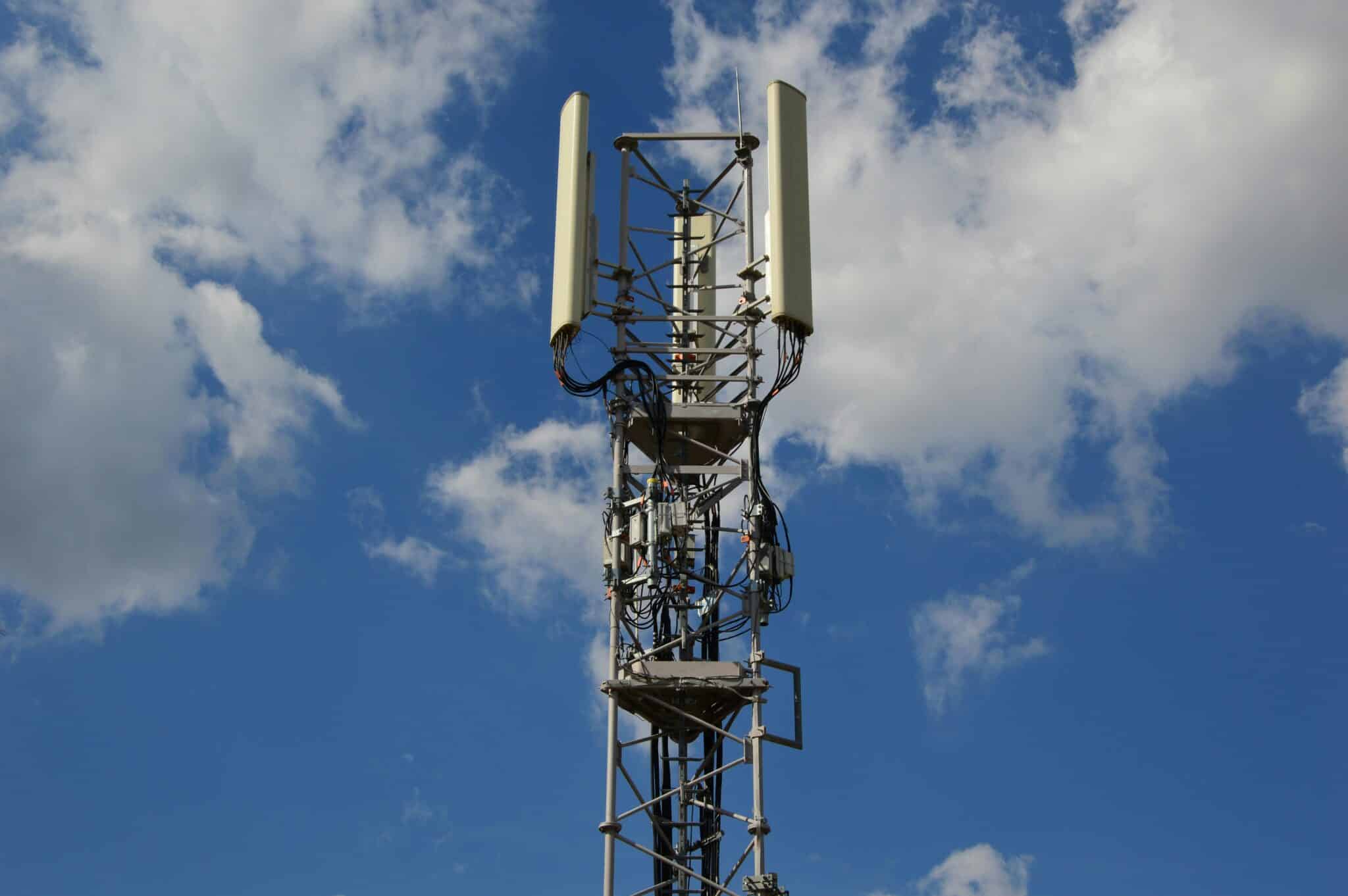
Remember that successful 5G activation requires three key elements: a compatible device, a carrier plan with 5G access, and physical proximity to 5G network infrastructure. When all three align, you’ll experience the remarkable speed, responsiveness, and reliability that define next-generation mobile connectivity.
As you travel and explore different regions, periodically verify your 5G settings and connectivity status. Network availability changes constantly as carriers expand infrastructure, and staying proactive ensures you’re always connected at the fastest speeds available wherever your journey takes you. 🌟
